
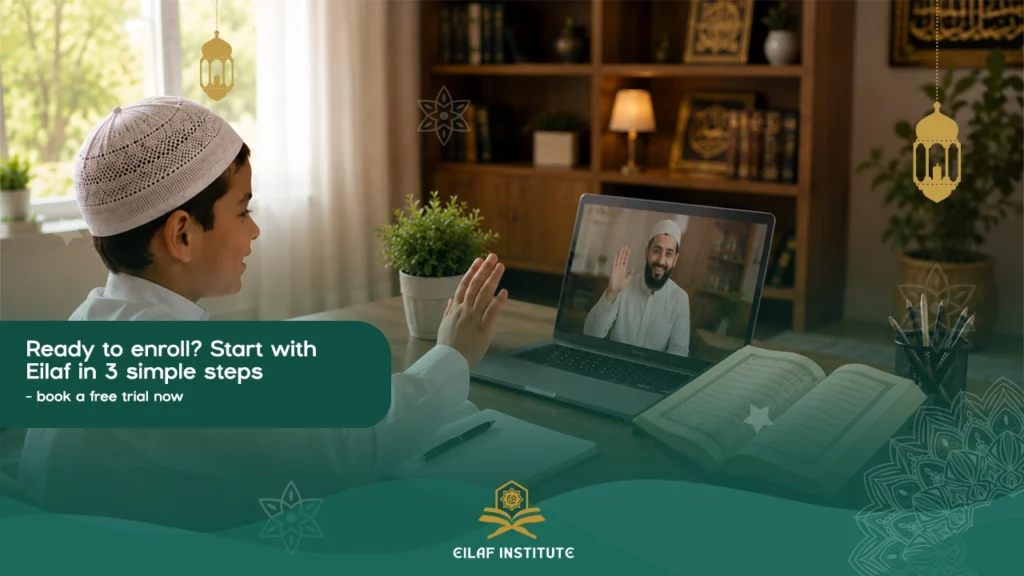
How to enroll child in online Islamic courses safely and effectively? It comes down to matching their current reading level with an academy that emphasizes interactive, qualified tutors. Navigating the world of virtual Islamic education feels overwhelming for many parents, but breaking the transition into clear, manageable steps transforms confusion into a structured learning journey.
How to Enroll Your Child in Online Islamic Courses?
Signing up kids for Quran online involves assessing schedules, choosing the right curriculum, and ensuring the teaching style keeps young minds engaged. By focusing on a systematic onboarding method, you shield your family from trial-and-error teaching while securing an environment where your child thrives spiritually and academically.
Step 1: Decide Which Course Is Right for Your Child
Determine your child’s immediate learning needs by evaluating their current Arabic pronunciation and foundational Quranic literacy. Before browsing academies, isolate whether they need to start with basics like the Noorani Qaida, build smooth recitation skills, or begin memorization.
Core Curriculums to Consider
- Arabic Foundations (Noorani Qaida): Designed for absolute beginners learning to recognize letters and connect sounds properly.
- Quran Recitation (Nazra): Focused on reading directly from the Mushaf smoothly while applying basic Tajweed rules.
- Hifz (Memorization): Tailored for children who read fluently and want to commit verses to memory systematically.
- Islamic Studies: Covering age-appropriate manners, stories of the Prophets, Fiqh, and daily Athkar.
Step 2: Book a Free Trial and Assess the Fit
Secure a free evaluation lesson to observe the tutor’s patience, technical clarity, and overall rapport with your child. A trial class serves as a live test drive, revealing how well a school handles technical delivery and student engagement before you commit financially.
What to Evaluate During the Trial Session
- Teacher Communication: Does the tutor use encouragement, or is their tone overly rigid for a child’s attention span?
- Language Fluency: Can the teacher explain complex Tajweed rules in clear English that your child understands?
- Engagement Tools: Are they using digital whiteboards, screen-sharing, or interactive slides to keep the lesson lively?
Step 3: Set Up the Learning Environment at Home
Prepare a dedicated, quiet workspace equipped with a reliable computer, a high-quality headset, and a stable internet connection. Minimizing physical and digital distractions before the class begins directly dictates how much information your child retains during their screen time.
Tech and Space Checklist
- Hardware over Phones: Use a laptop or desktop tablet instead of a smartphone to ensure text on screen is large and legible.
- Noise-Canceling Headsets: Equip your child with an over-ear mic headset to block out household background noise completely.
- Dedicated Seating: Avoid letting your child attend classes from their bed; an upright desk setup signals to their brain that it is time to focus.
Treating an online class like a casual video call kills a student’s focus before the teacher even logs in. If a child tries to learn the Quran in a noisy living room with a TV playing nearby, their mind splits focus, turning a 30-minute lesson into an uphill battle against their surroundings.
Read also about: How to Learn Quran with Tajweed at Home In 7 Steps?
Step 4: Build a Routine That Sticks
Establish fixed, non-negotiable weekly lesson times and pair them with short, daily review blocks at home. Consistency outpaces raw study hours when it comes to retaining language and scripture, making a predictable schedule the backbone of long-term success.
Strategies for Maintaining Momentum
- The 15-Minute Rule: Dedicate fifteen minutes every single morning to reviewing the previous day’s verse rather than cramming for an hour once a week.
- Visible Progress Calendars: Use physical sticker charts on the wall so your child sees their consecutive streak growing.
- Parental Attendance: Sit closely during the first few weeks to learn the teacher’s cues, enabling you to support practice sessions accurately.
Ready to enroll? Start with Eilaf in 3 simple steps – book your free evaluation and trial lesson now to find the perfect learning track for your child.
What do I need to enroll my child in online Quran classes?
You need a functional computer or tablet, a reliable high-speed internet connection, a quiet room, and an over-ear headset with an attached microphone. Most academies utilize free, accessible video communication software like Zoom or Microsoft Teams, meaning you do not need to purchase specialized proprietary programs to begin learning.
How do I prepare my child for their first online lesson?
Explain the structure of the class ahead of time, ensure they make Wudu, dress neatly, and log into the virtual classroom five minutes early to test the audio settings. Framing the first session as an exciting milestone rather than a chore helps reduce any natural anxiety they might feel about meeting a new teacher online.
How do I set up a good space for my child’s online Islamic classes?
Choose a well-lit corner away from high-traffic household areas, position the screen facing away from direct backlights, and keep the desk clear of toys or open browser tabs. A clean, distraction-free desk area acts as a visual boundary that helps your child separate household play time from sacred study time.